
Routine Compilation and Programming
Compilation
If using pre-compiled image files, you can skip directly to the programming section to start testing.
Enter the example\pm\bt\project\hcpu directory and execute
scons --board=sf32lb52-core_n16r16 -j8
Compile and generate HCPU image file (no need to compile LCPU project separately, LCPU will be automatically compiled and LCPU bin will be packaged into HCPU image when compiling HCPU). The compiled image file is saved in the build directory.
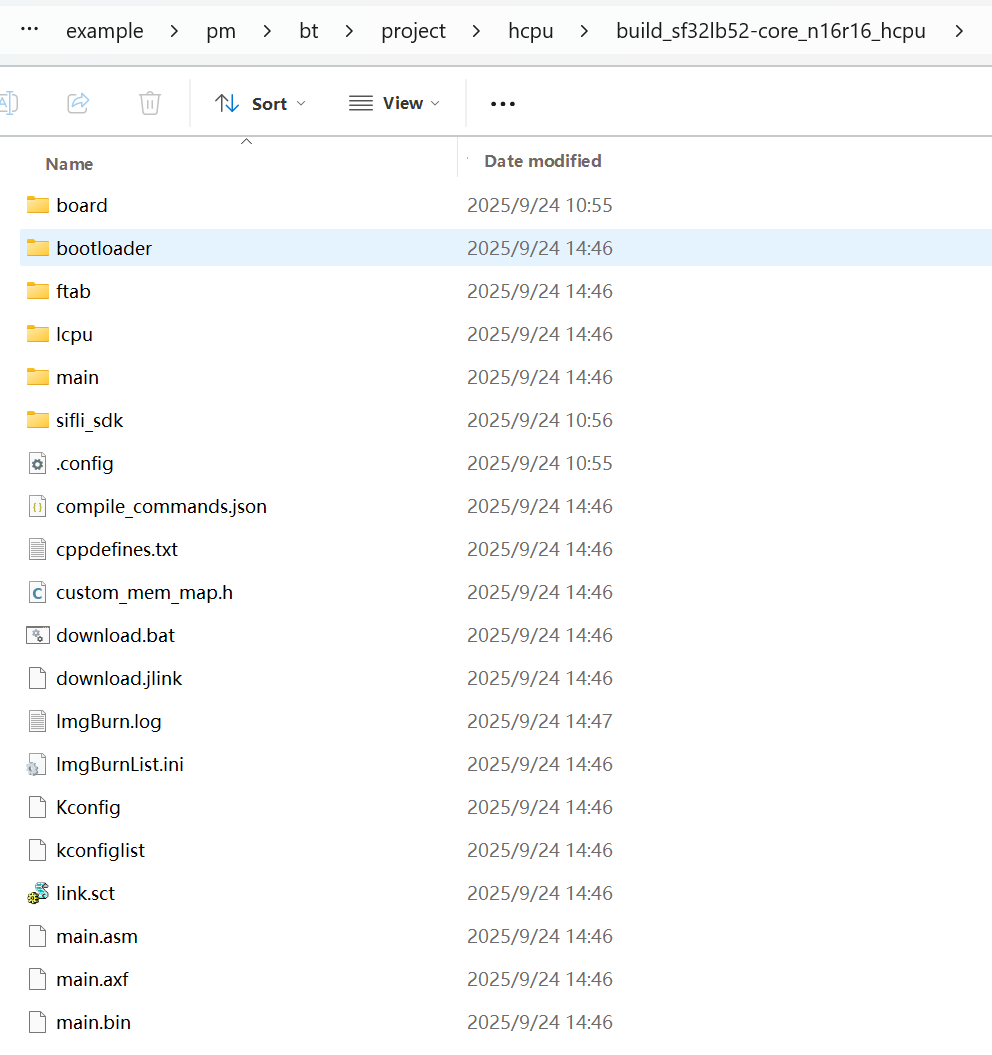
Programming Image
Execute
build_sf32lb52-core_n16r16_hcpu\uart_download.bat
in the command line compilation directory to program the image file generated by compilation in the build directory.
Transmit Power Configuration
The project is configured with a default transmit power of 0 dBm. Use the command ble_tx_pwr_save x to adjust transmit power, where x represents the target power value in dBm.Example: To set transmit power to 10 dBm, run ble_tx_pwr_save 10.The device will automatically reboot for the setting to take effect after modification.