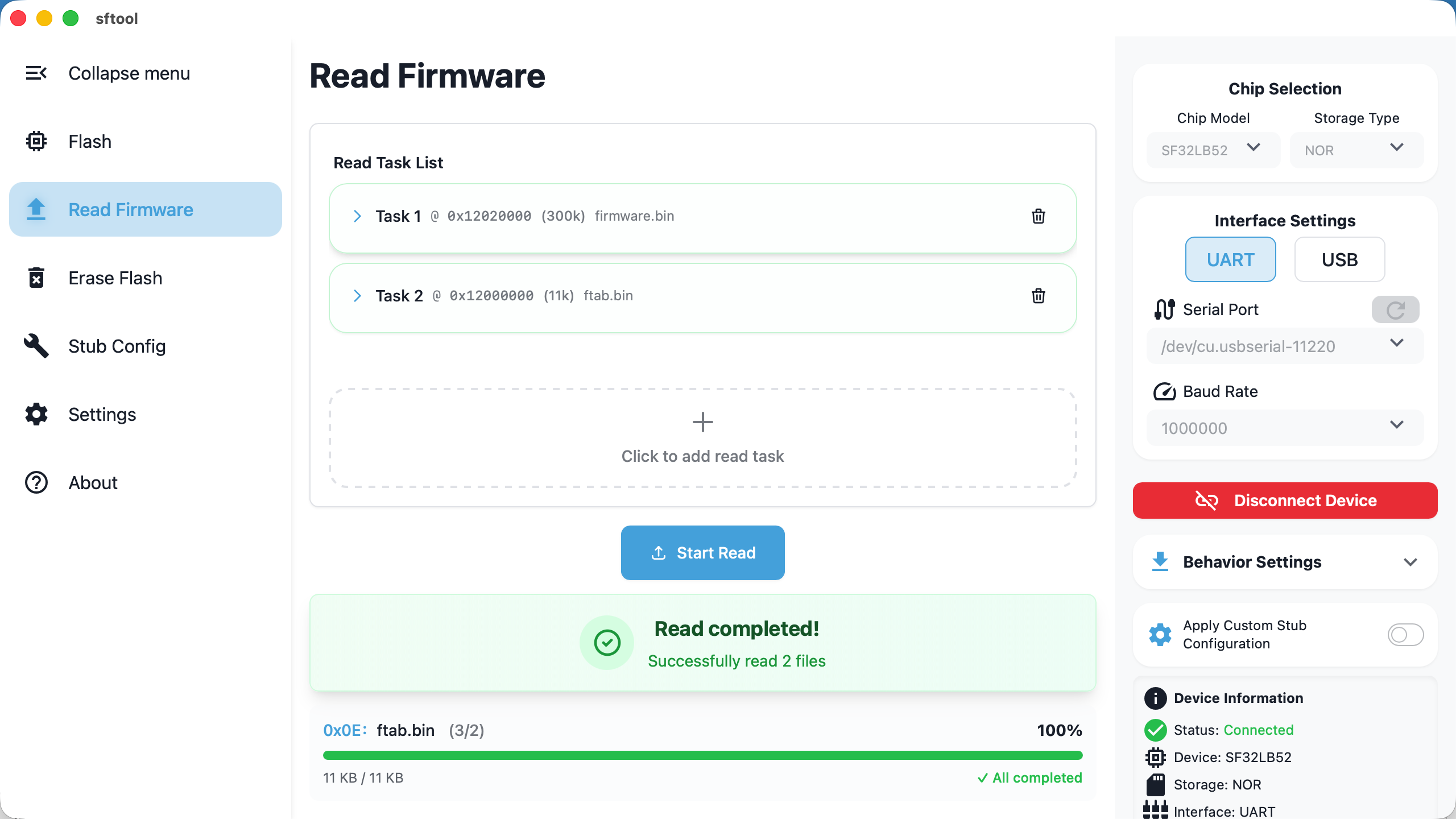

读取固件
1/14/26Less than 1 minute
This section explains how to read data from the device's Flash and export it
to files, supporting multiple address ranges in one operation.
Preparation
Before initiating a read operation, ensure the device is connected. For detailed
connection procedures, refer to the Firmware Flashing -
Preparation section to configure
the serial port and baud rate and establish a successful connection.
Configure Read Tasks
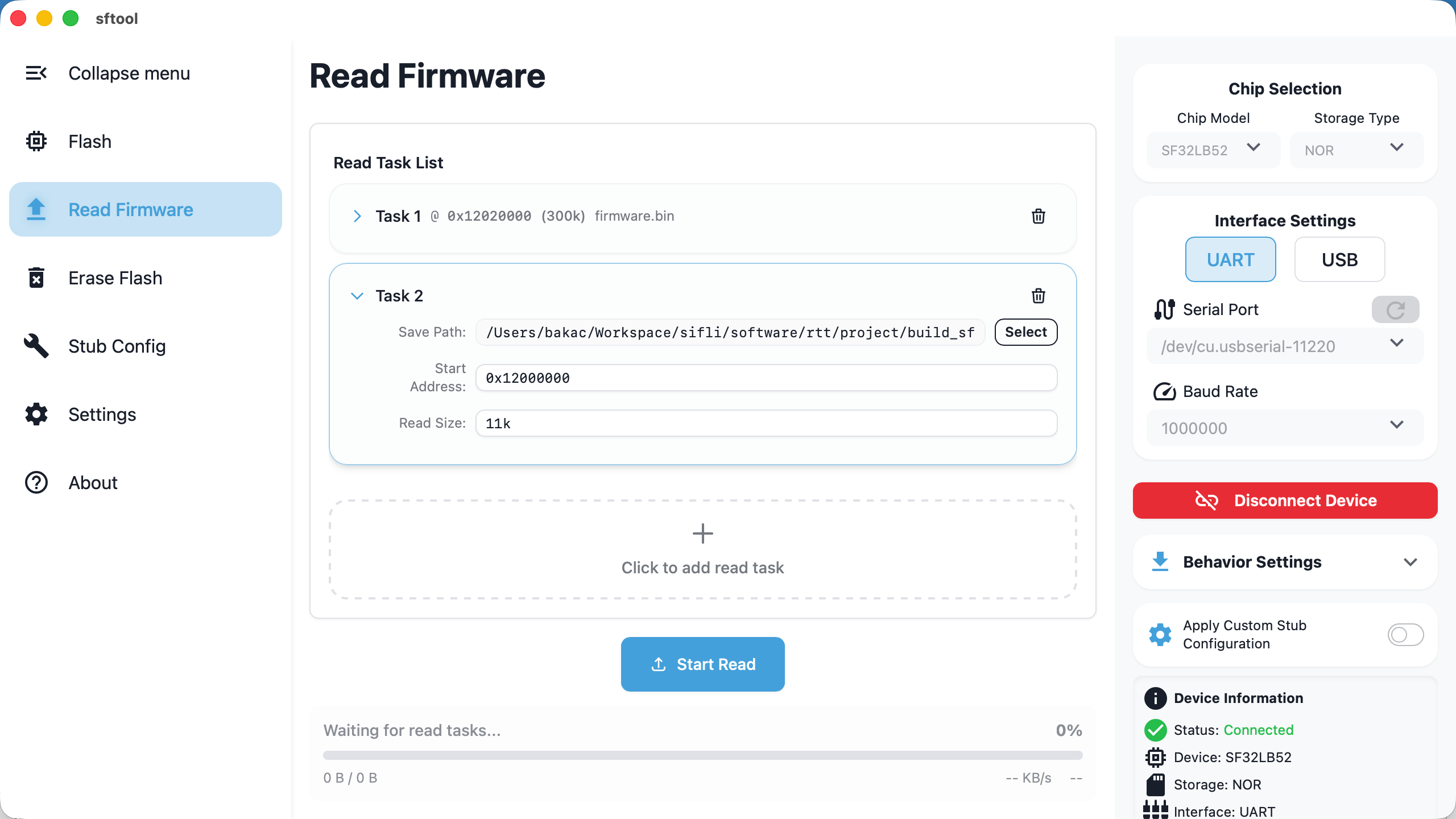
- Create a task: click the
Click to add read taskbutton — a new
configuration row will appear in the task list. - Set parameters: set
Save Path,Start Address, andRead Sizein order. - Batch operations: you can add multiple tasks to read different address ranges
in one run.
About the "Read Size" format
- Hexadecimal: supports standard hex format (e.g., 0x1000).
- Decimal with units: supports k / m suffixes (case-insensitive).
- Note: Do not include the "b" suffix for units (e.g., "4k" is correct; "4kb" is
incorrect).
Execute Reading
Start reading: after confirming all task configurations are correct, click
theStart Readbutton.Tip: the row for the task currently being executed will be highlighted.
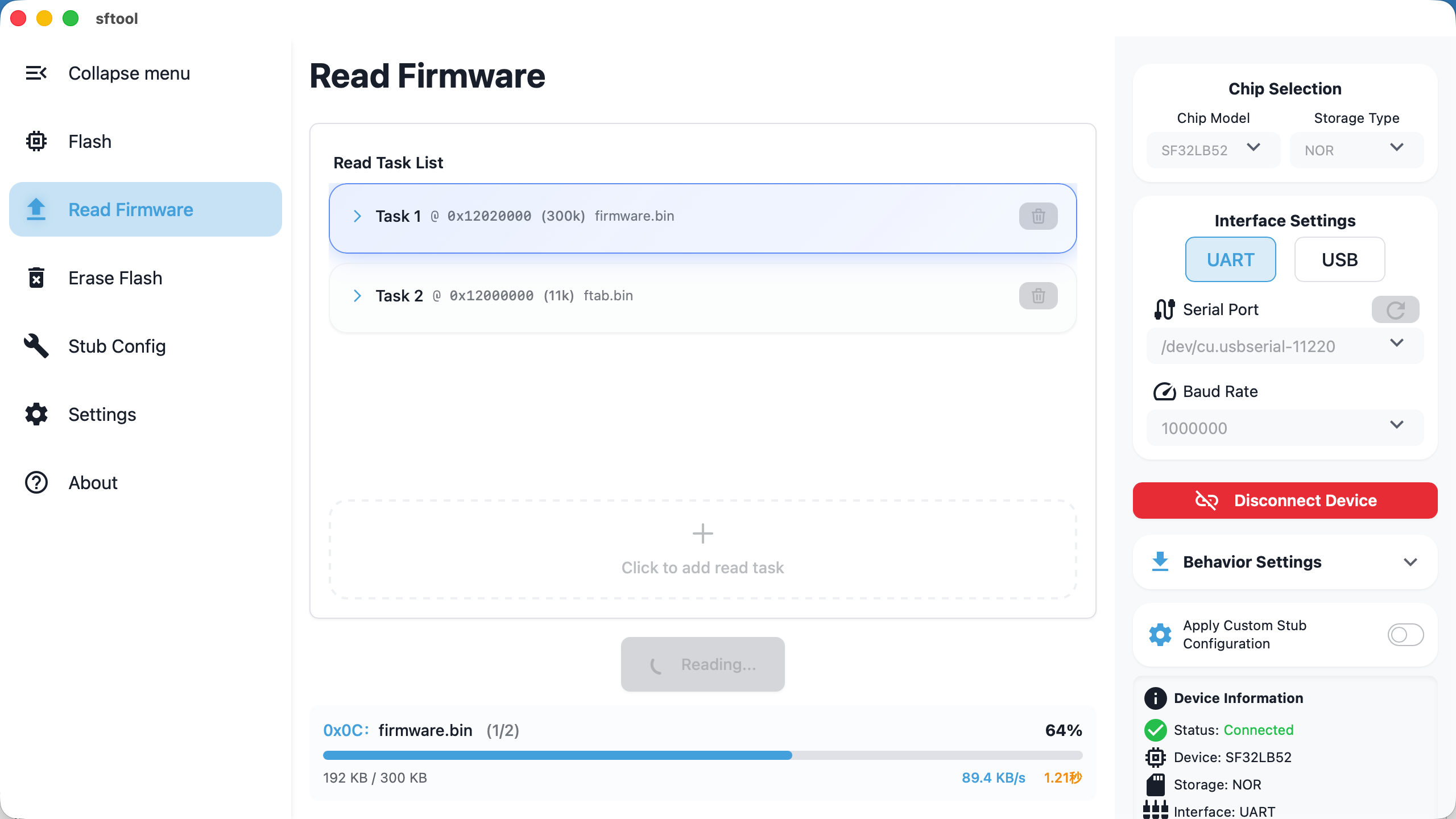
- Complete reading: when the message
Reading completed!appears, the data has
been successfully saved to the specified path. You can safely disconnect or
switch to another page.