GUI_PM Low-Power Example Guide
Source code path: example/pm/gui_pm
Supported Platforms
This example runs on the following development board:
sf32lb52-lchspi-ulp
Background
After enabling the low-power related macro switches, the host core (HCPU) may fail to enter sleep for a long time.
A typical scenario occurs when the application keeps refreshing the screen; the LCD refresh thread remains active and breaks the sleep conditions.
You can diagnose whether the application currently meets the sleep conditions:
No explicit sleep inhibition: There is no logic/flag actively preventing sleep, such as calling
rt_pm_request(PM_SLEEP_MODE_IDLE);. You can run thepm_dumpcommand in the console. If the “Idle Mode Counter” is greater than 0, some module has calledrt_pm_request(PM_SLEEP_MODE_IDLE)to forbid sleep. If it is 0, sleep is not forbidden.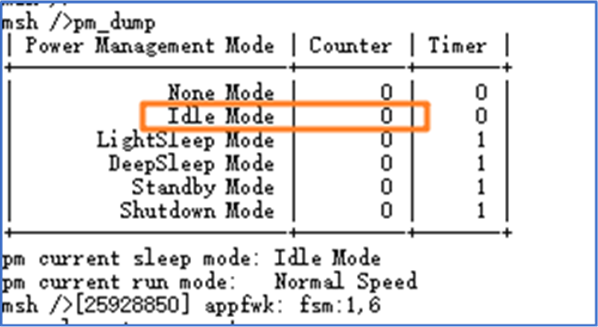
OS timeout threshold is satisfied: The remaining time of the soonest-expiring OS timer is greater than the threshold (100 ms by default).
No wake-up source is triggered: All configured wake-up sources remain inactive (e.g., key presses, sensor interrupts).
The message queue to the LCPU is empty: Data sent by HCPU has been read by the LCPU.
If any of the above is not satisfied, the system will stay active and cannot enter sleep.
Example Overview
This example is based on the gui_app_pm interfaces. When the GUI thread is idle, it proactively yields resources and turns off the display backlight to meet the sleep conditions, achieving the following goals:
When long inactivity is detected on the display layer, call
gui_pm_fsm(GUI_PM_ACTION_SLEEP)to trigger the GUI sleep flow.In the sleep path, call
gui_suspend()andgui_sleep()to block the current thread so the frequently refreshing display thread is suspended, thereby removing the sleep blocker, and turn off the display output to reduce power.When a wake-up source (button) is triggered,
gui_pm_fsm(GUI_PM_ACTION_WAKEUP)lights the screen again and resumes logic.
Key Code
lcd_display_task(): Periodically checks LVGL inactivity time; if it exceeds 5 s, enter the GUI sleep logic. After waking, trigger a redraw to restore the display.gui_suspend(): After long inactivity, callinggui_pm_fsm(GUI_PM_ACTION_SLEEP)changes the state fromGUI_STATE_ACTIVEtoGUI_STATE_INACTIVE_PENDINGand emits aGUI_PM_EVT_SUSPENDevent. On the next loop, whengui_is_force_close()returns true, the display thread callsgui_suspend()to perform the actual suspend.gui_is_force_close(): Determines whether the GUI needs to be forcibly closed. It checks whether the current state isGUI_STATE_INACTIVE_PENDING, which depends on whethergui_pm_fsm(GUI_PM_ACTION_SLEEP)has been executed.button_event_handler(): Button wake-up handler. Callsgui_pm_fsm(GUI_PM_ACTION_WAKEUP); if the current state isGUI_STATE_INACTIVEorGUI_STATE_INACTIVE_PENDING, it transitions toGUI_STATE_ACTIVEand emitsGUI_PM_EVT_RESUMEto resume suspended threads and re-enable the LCD display.
Note: The core logic resides in
lcd_display_task. To reuse the sleep logic from this example, focus on the code blocks insrc/main.cguarded by#ifdef GUI_APP_PM. The core flow is as follows:
if (lv_display_get_inactive_time(NULL) > 5000)
{
	gui_pm_fsm(GUI_PM_ACTION_SLEEP);
}
if (gui_is_force_close())
{
	gui_suspend();               // Suspend the current GUI thread, turn off the screen
	draw(lcd_device);            // Refill background color
	lv_obj_invalidate(lv_screen_active());
	lv_display_trigger_activity(NULL);
}
Build and Flash
Build using the sf32lb52-lchspi-ulp_hcpu project as an example
On the 52 platform, Deep Sleep is configured as the default sleep mode.
Build: Switch to the example project directory and run scons to build:
scons –board=sf32lb52-lchspi-ulp -j8
Flash:
Switch to the example’s
project/build_xxdirectory and runuart_download.bat. Follow the prompts to select the serial port to download.Or, from the project directory, run: build_sf32lb52-lchspi-ulp_hcpu\uart_download.bat
 build_sf32lb52-lchspi-ulp_hcpu\uart_download.bat

 Uart Download

 please input the serial port num:5
Example Output
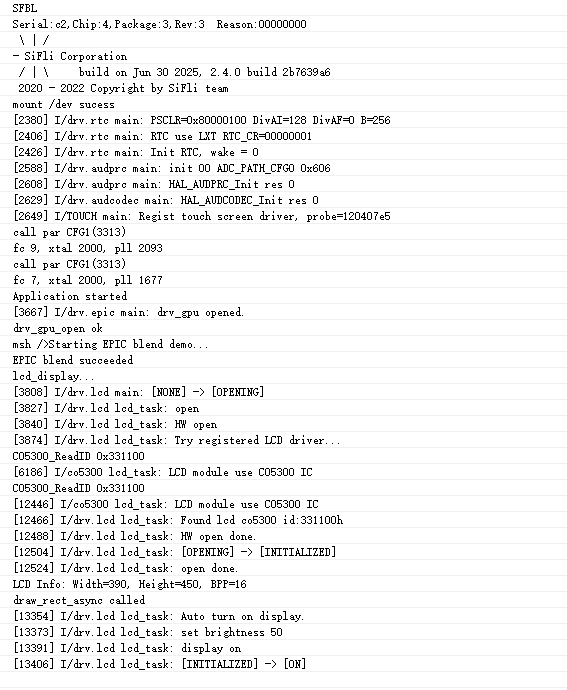
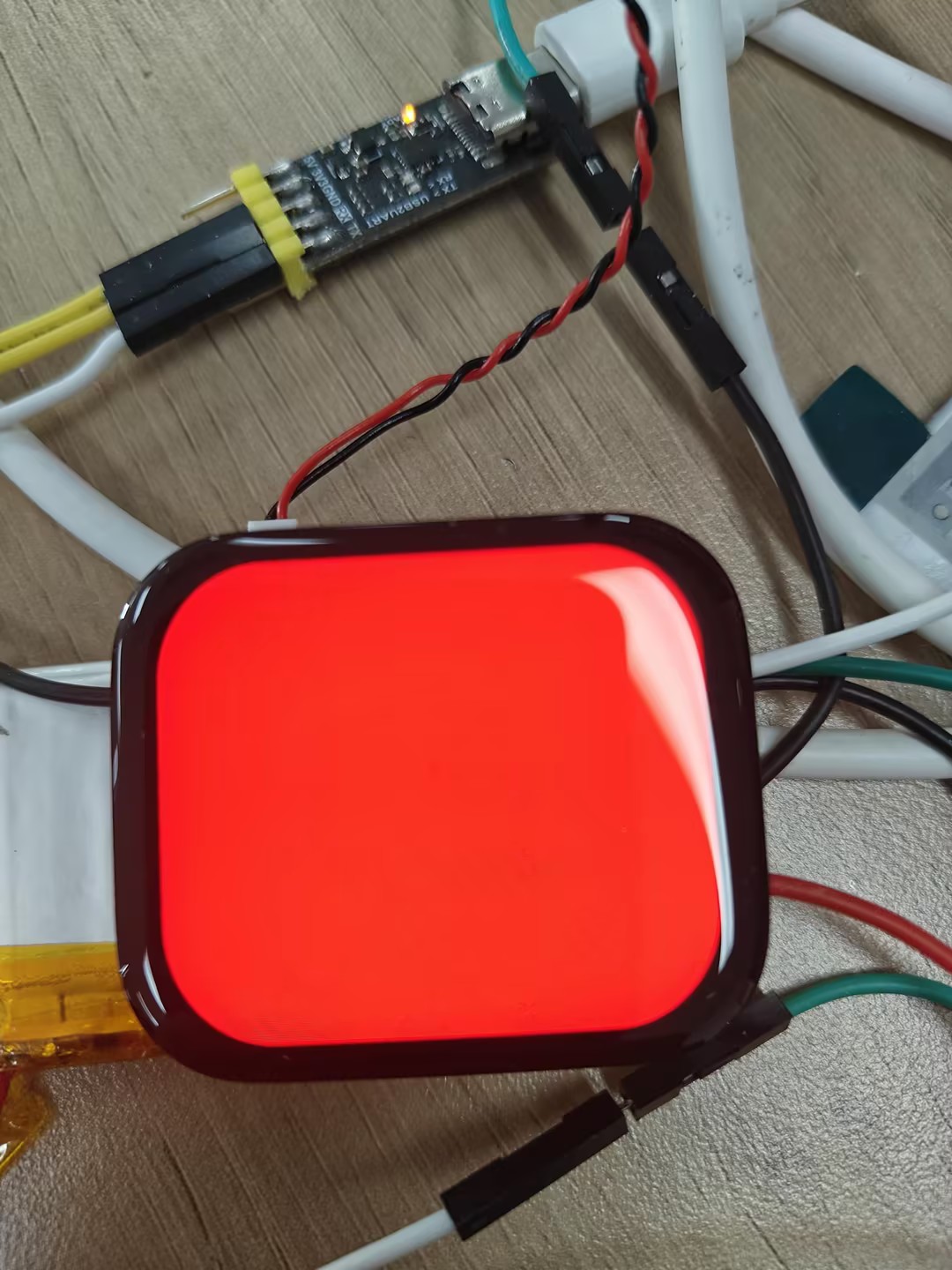
Board status during runtime
Board status in sleep
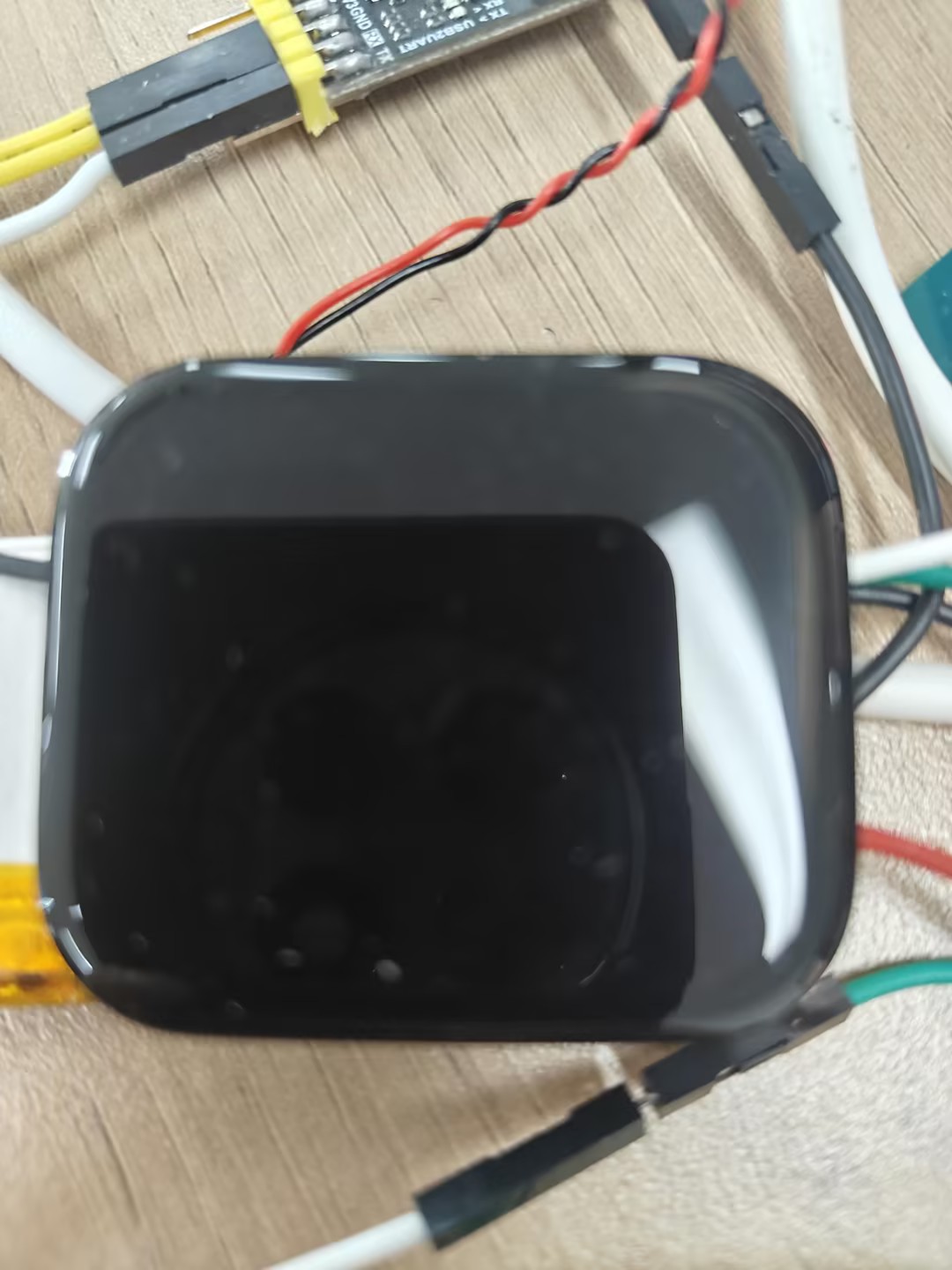
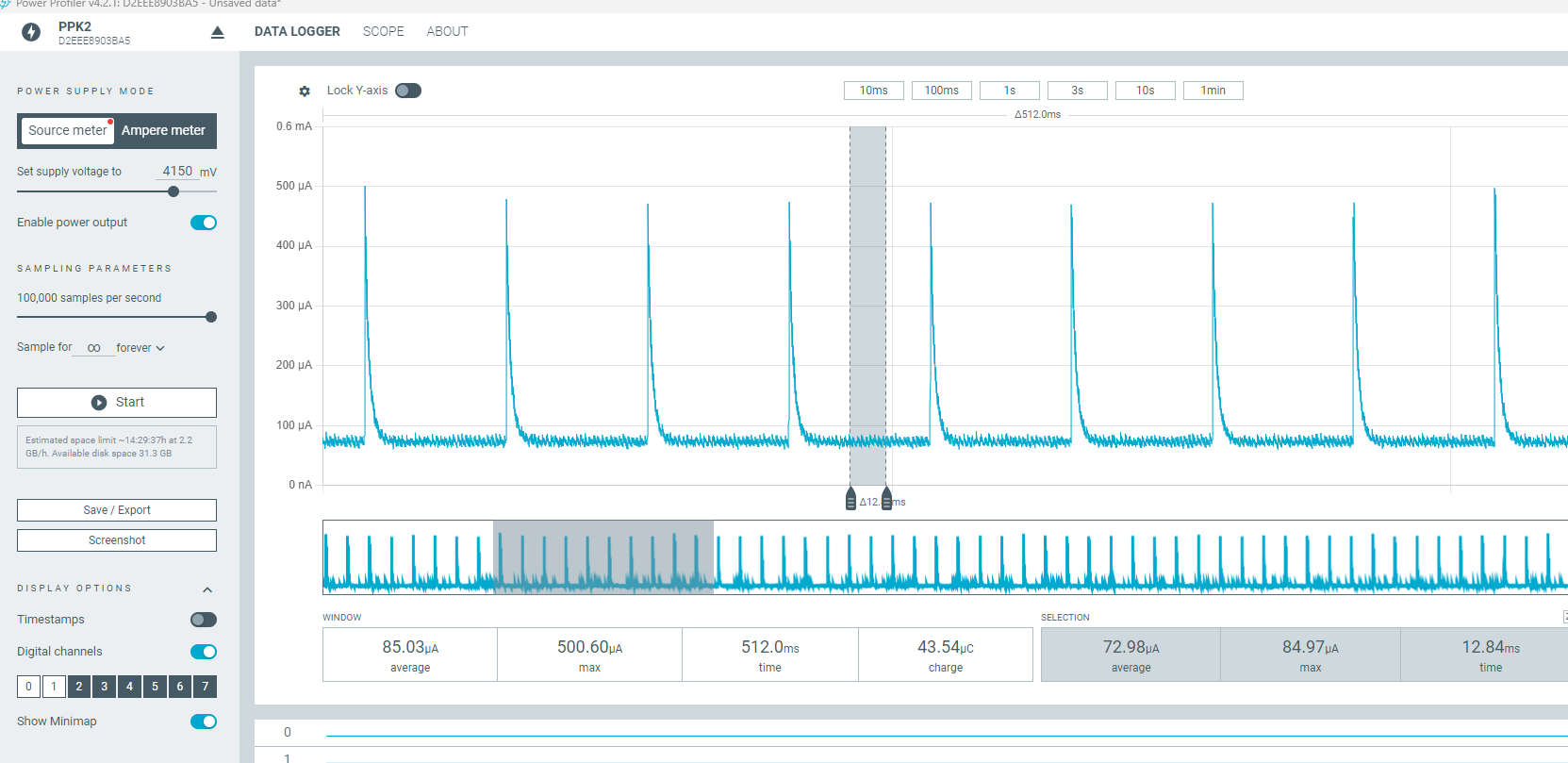
Power consumption in sleep