
JPEGD HAL Example
Source path: example/hal/jpegd
Overview
This example directly calls HAL_JPEGD on the SF32LB57X HCPU. It decodes the built-in 100x100 JPEG in AHB output mode and draws the decoded image in the center of the LCD device.
Supported Boards
sf32lb57 series
Usage
Build and Flash
Switch to the example project directory and run the SCons build command (board is the board name):
scons --board=spi-hdk_lb573ub7n6 -j11
Run build_spi-hdk_lb573ub7n6_hcpu\uart_download.bat and follow the prompt to select the serial port for downloading:
build_spi-hdk_lb573ub7n6_hcpu\uart_download.bat

Uart Download

please input the serial port num:5
For detailed build and download steps, refer to the related sections in Get Started.
Example Output
The serial console prints logs as shown below:
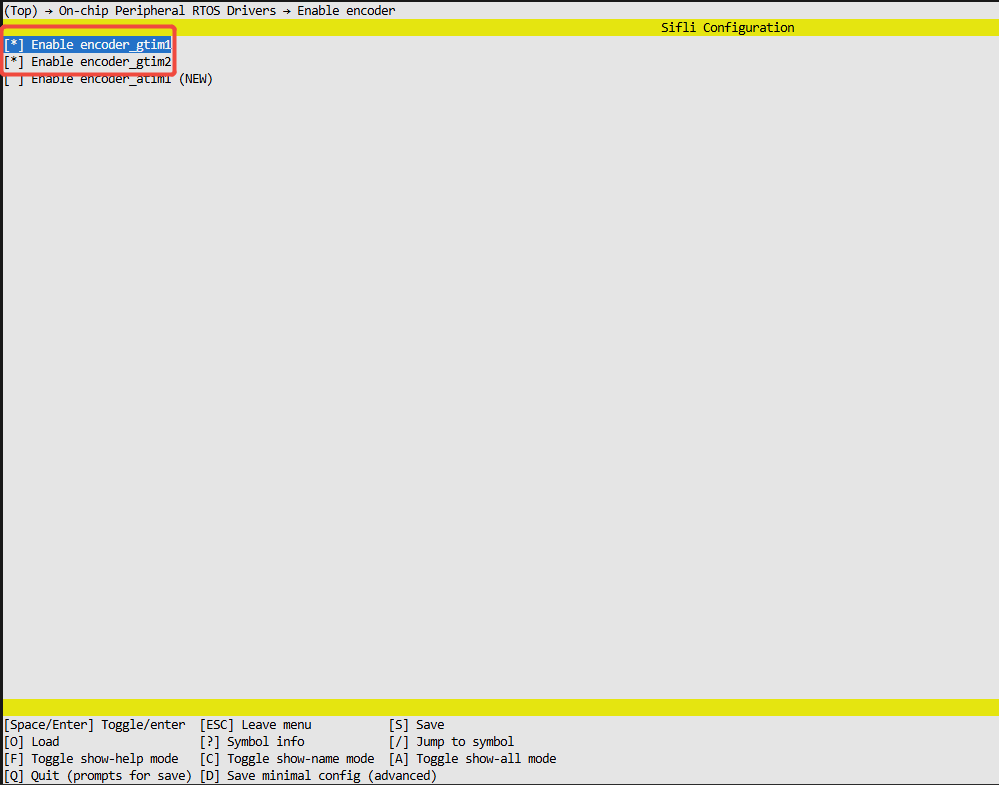
If CONFIG_JPEGD_USING_LCD is enabled, the decoded image is also displayed on the LCD.
Execution Flow
Read the actual width and height from the built-in JPEG header.
Initialize and configure the JPEGD handle.
Query the actual sizes of the work buffer and the three output planes, then check the static buffer capacities.
Call
HAL_JPEGD_Decodeto decode the JPEG.When LCD display is enabled, convert only the actual 100x100 region from YUV420 to RGB565 and display it.
Deinitialize JPEGD and print
JPEGD example PASSED.
Revision History
Version |
Date |
Release Notes |
|---|---|---|
0.0.1 |
08/2026 |
Initial version |