
LVGL v8 txtimg
txtimg is the text-image mixed-layout text widget that SiFli SDK provides on LVGL v8. It renders text line by line and caches it as an image (A8 bitmap), then positions, scales, and plays animations on it as an image. This suits scenarios with large amounts of text where render time must be reduced, or where a whole line of text needs scaling or horizontal-scrolling animation.
Unlike an ordinary lv_label, which re-lays out the text on every redraw, txtimg rasterizes a line of text once and caches it as a bitmap; subsequent scaling, panning, and animation operate directly on the image, lowering the rendering overhead of long-text scenarios such as e-books and list titles.
Features
Text is added, replaced, or appended line by line, and each line of text is cached as an independent bitmap descriptor.
Supports setting the zoom of the whole text image.
Supports horizontal scrolling animation (
LV_TXTIMG_HOR_ANIM) and an animation buffer (LV_TXTIMG_ANIM_BUF).For languages that do not support bitmap-to-A8 conversion (such as Thai, Hindi, and Arabic), the text can be snapshotted into an image via
lv_txtimg_snapshot_txt_line()and then positioned for display.Provides flags to control animation and resource-residency behavior.
Use Cases
Pages with large amounts of text, such as e-books, where converting text to an A8 bitmap shortens render time.
List-item titles that need a horizontal scrolling marquee animation.
Languages that cannot be directly converted to A8, where text must be displayed through the snapshot interface.
Scenarios that require uniformly scaling a whole paragraph of text and refreshing its size.
Supported Boards
Refer to the platforms supported by general LVGL v8 examples such as lvgl_v8_multlist. Any board from 55x onward can use it (such as 58x, 56x, 52x); enable LVSF_USE_TXTIMG in menuconfig.
Configuration and Initialization
txtimg is controlled by the LVSF_USE_TXTIMG switch, which is enabled under LittlevGL2RTT -> SiFli extend in menuconfig.
#include "lvsf.h"
#include "lvsf/gui_widgets/lvsf_txtimg.h"
Flag enumeration (lv_txtimg_flg_t):
Flag |
Meaning |
|---|---|
|
Use the animation buffer |
|
Enable horizontal scrolling animation |
|
Resource residency |
API Reference
Function |
Description |
Parameters / Returns |
|---|---|---|
|
Create a txtimg object instance |
|
|
Keep the existing text and append the new string |
|
|
Replace the original string, clearing previous text and keeping only the current string |
|
|
Add a line of text to txtimg |
|
|
For languages that do not support bitmap-to-A8, snapshot the text into an image and position it for display |
|
|
Set the widget’s zoom ratio |
|
|
Refresh the widget size to fit the text display area |
Call after modifying text, zoom, or flags |
|
Set flags (animation, residency, etc.) |
|
|
Get the current flag configuration |
Returns the current flag value |
Typical Usage
An e-book page converts text to an A8 image to shorten render time:
lv_obj_t *element = lv_txtimg_create(multlist);
lv_obj_set_size(element, w, h);
lv_txtimg_set_flg(element, LV_TXTIMG_ANIM_BUF);
lv_ext_set_local_text_font(element, font, LV_PART_MAIN | LV_STATE_DEFAULT);
lv_ext_set_local_text_color(element, color_txt, LV_PART_MAIN | LV_STATE_DEFAULT);

const char *str = (const char *)&p_reader_txt->txt_buf[info->txt_pos];
lv_txtimg_set_txt_line(element, str);
Text with zoom and a horizontal scrolling animation (use the snapshot interface for languages that do not support A8):
const lv_font_t *font = LV_EXT_FONT_GET(FONT_BIGL);
lv_obj_t *txtimg = lv_txtimg_create(parent);
lv_obj_set_size(txtimg, LV_HOR_RES_MAX >> 1, item_h);
lv_obj_add_flag(txtimg, LV_OBJ_FLAG_PRESS_LOCK | LV_OBJ_FLAG_EVENT_BUBBLE);
lv_obj_clear_flag(txtimg, LV_OBJ_FLAG_SCROLLABLE);
lv_obj_align(txtimg, LV_ALIGN_RIGHT_MID, -20, 0);

lv_txtimg_set_flg(txtimg, LV_TXTIMG_HOR_ANIM | LV_TXTIMG_RESIDENCY);
lv_obj_set_style_text_font(txtimg, font, 0);
lv_obj_set_style_text_color(txtimg, LV_COLOR_WHITE, 0);

if (need_snapshot_lang)
{
    lv_txtimg_snapshot_txt_line(txtimg, txt);  /* Thai / Hindi / Arabic, etc. */
}
else
{
    lv_txtimg_set_txt_line(txtimg, txt);
}
Demo
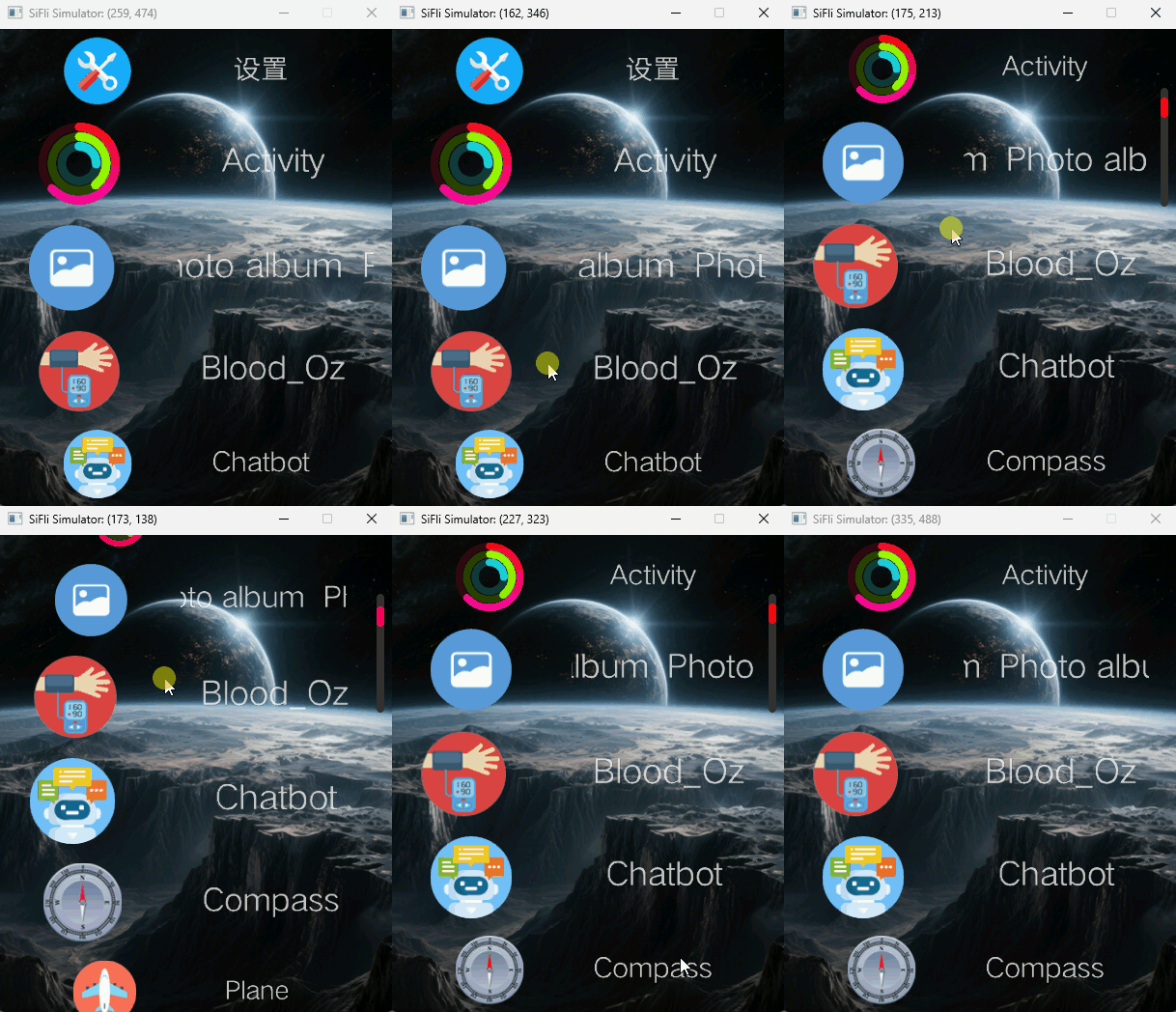
Note
This animation is the same recording shared with the scrollbar widget page (taken from the official solution documentation UI widget page). It shows a long list scrolling, and does not illustrate the text-to-image internals of txtimg.
See Also
Source path:
middleware/lvgl/lvsf/gui_widgets/lvsf_txtimg.h