
LVGL v8 multobj
lvsf_multobj is the “multi-object zoom container” that SiFli provides for LVGL v8. It is itself an lv_obj_t-derived object. You can place ordinary widgets (images, labels, rectangles, etc.) inside it, and at runtime adjust the size and position of all child objects together by a single scaling factor zoom, so that an item is scaled as a whole without enabling snapshotting.
It is primarily used together with lvsf_multlist: inside multlist’s item-create callback, wrap the returned element as a multobj instance; as multlist scrolls, calling its zoom interface makes the item scale continuously with the offset, without generating an off-screen snapshot for every item.
Main header: middleware/lvgl/lvsf/gui_widgets/lvsf_multobj.h
Implementation directory: middleware/lvgl/lvsf/gui_widgets/
Features
Groups a set of child objects (images, labels, rectangles, etc.) under a single hierarchy and scales and repositions them as a whole by one
zoomfactor.Supports configuring the alignment of the internal label (text) separately, plus a custom label-position callback.
Can enable snapshotting on the internal text widget so that the text scales smoothly together instead of staying at its original size.
When used with multlist’s bezier scaling, avoids the memory overhead of allocating an off-screen snapshot for each item.
Use Cases
multlist list items need to scale with the scroll distance, but snapshot memory per item is not desired.
The visual effect in a main menu / icon list where the centered item is enlarged and the flanking items shrink.
When used standalone, pinch-to-zoom a whole group of widgets by the finger drag distance.
Supported Boards
multobj has no standalone SDK example; it is usually used as the internal container of a multlist list item, and runs in the same environment as the lvgl_v8_multlist example:
sf32lb52-lcd_n16r8
sf32lb52-lchspi-ulp
The project can be adapted to the SF32LB52x / SF32LB56x / SF32LB58x series with scons --board=<board>.
Configuration and Initialization
Enable the corresponding component in menuconfig (enabled by default):
CONFIG_LVSF_USE_MULTOBJ=y
After creation, use it like an ordinary lv_obj_t and then create child objects inside it. Once the child objects are laid out, multobj records each child’s hierarchy and position; afterwards you can call lv_multobj_set_zoom() to scale.
#include "lvsf_multobj.h"

lv_obj_t *box = lv_multobj_create(parent);
lv_obj_remove_style_all(box);
lv_obj_set_size(box, item->org_w, item->org_h);
lv_obj_add_flag(box, LV_OBJ_FLAG_PRESS_LOCK | LV_OBJ_FLAG_EVENT_BUBBLE);
lv_obj_clear_flag(box, LV_OBJ_FLAG_SCROLLABLE);

/* Place images, text, and other child objects inside box */
lv_obj_t *img = lv_img_create(box);
lv_img_set_src(img, my_icon);
lv_obj_align(img, LV_ALIGN_LEFT_MID, 30, 0);

lv_obj_t *label = lv_label_create(box);
lv_label_set_text(label, "Item title");
lv_obj_align(label, LV_ALIGN_LEFT_MID, 150, 0);

/* Once the child objects are laid out, record the hierarchy and set the label alignment */
lv_multobj_set_label_align(box, LABEL_ALIGN_CENTER, LABEL_ALIGN_CENTER);
Warning
Because LVGL object positions do not support sub-pixel precision, scaling is implemented by adjusting size and position, which causes slight jitter. If the internal content of multobj is to be scaled further after a redraw, you must call lv_multobj_reset_hier() again to rebuild the hierarchy record.
API Reference
The function signatures below are taken verbatim from lvsf_multobj.h.
Function |
Description |
Parameters / Returns |
|---|---|---|
|
Creates a multobj multi-object zoom container |
|
|
Scales all internal child objects as a whole according to the recorded hierarchy |
|
|
Resets the child object hierarchy and position records |
Call when you need to scale again after an internal-content redraw |
|
Enables / disables snapshot scaling of the internal text widget |
|
|
Registers a custom label-position callback |
Callback prototype: |
|
Sets the default alignment of the internal label |
|
Typical Usage
Standalone Usage: Scaling With the Finger
static void app_event_cb(lv_event_t *e)
{
    lv_obj_t *obj = lv_event_get_current_target(e);
    lv_event_code_t code = lv_event_get_code(e);
    static lv_point_t point_pre = {0, 0};

    if (code == LV_EVENT_PRESSED)
    {
        lv_indev_t *indev = lv_indev_get_act();
        lv_indev_get_point(indev, &point_pre);
        lv_multobj_set_zoom(obj, 1);
        lv_obj_center(obj);
    }
    else if (code == LV_EVENT_PRESSING)
    {
        lv_point_t cur_point = {0, 0};
        lv_indev_t *indev = lv_indev_get_act();
        lv_indev_get_point(indev, &cur_point);
        float vect = LV_ABS(cur_point.y - point_pre.y);
        float zoom = 1 - vect / LV_VER_RES_MAX;
        lv_multobj_set_zoom(obj, zoom);
        lv_obj_center(obj);
    }
}
Used With multlist
Inside multlist’s item-create callback, return a multobj instance; multlist internally calls its zoom interface automatically while scrolling to produce the deformation:
static lv_obj_t *my_item_create_cb(lv_obj_t *parent, lv_multlist_item_t *item)
{
    lv_obj_t *item_btn = lv_multobj_create(parent);
    lv_obj_remove_style_all(item_btn);
    lv_obj_set_size(item_btn, item->org_w, item->org_h);
    lv_obj_add_flag(item_btn, LV_OBJ_FLAG_PRESS_LOCK | LV_OBJ_FLAG_EVENT_BUBBLE);
    lv_obj_clear_flag(item_btn, LV_OBJ_FLAG_SCROLLABLE);

    /* Place the icon, title, and other child objects inside item_btn */
    lv_obj_t *icon = lv_img_create(item_btn);
    lv_img_set_src(icon, my_icon);
    lv_obj_align(icon, LV_ALIGN_LEFT_MID, 30, 0);

    lv_obj_t *title = lv_label_create(item_btn);
    lv_label_set_text(title, "App");
    lv_obj_align(title, LV_ALIGN_LEFT_MID, 150, 0);

    return item_btn;
}
Note
Compared with doing off-screen snapshot scaling directly on a multlist item, scaling with multobj uses no extra snapshot memory, but it causes slight jitter while scrolling. For use cases that demand very high smoothness, use multlist’s snapshot mechanism instead.
Demo
When used standalone, scales as a whole by following the finger drag:
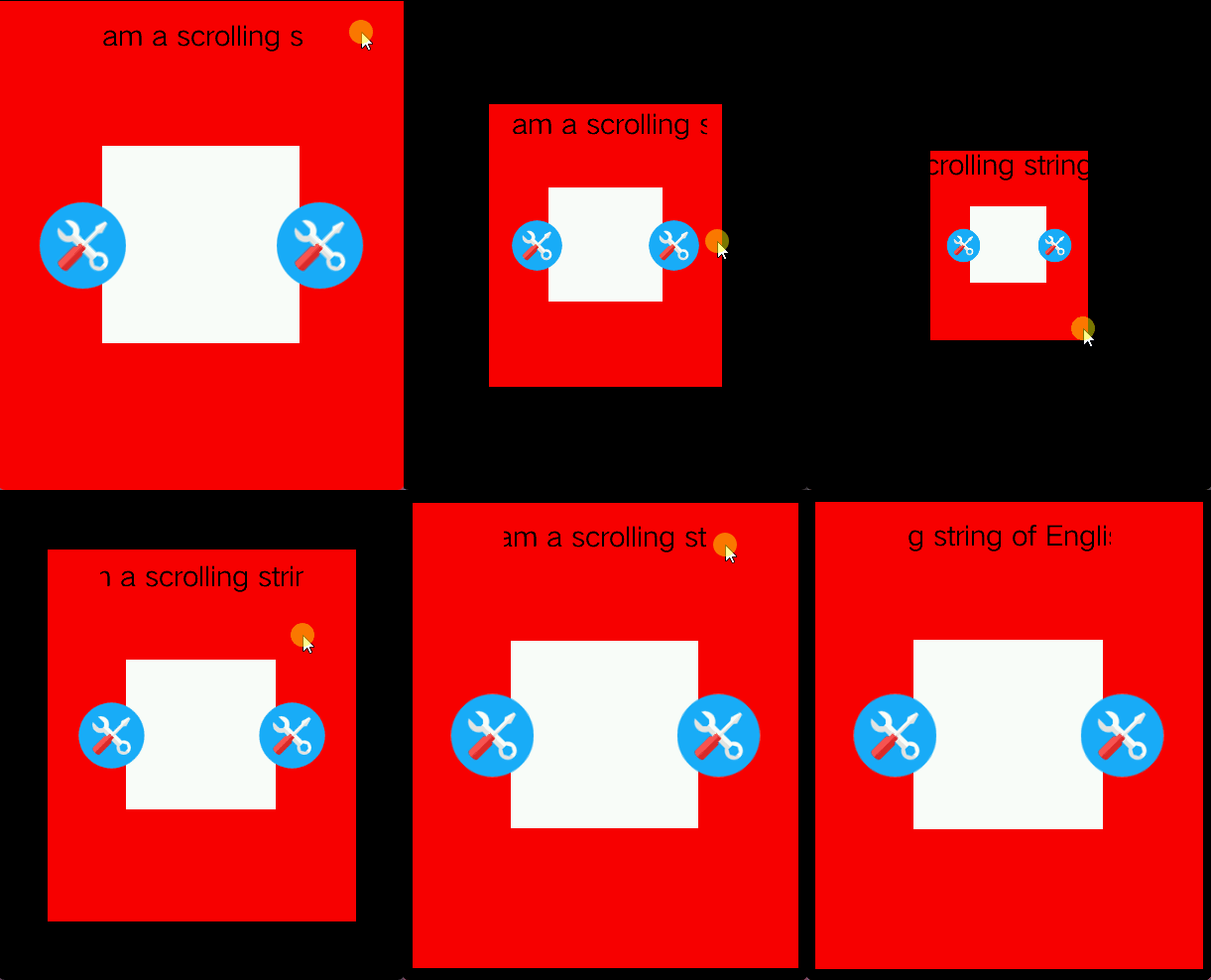
Zoom effect when used with multlist as a list-item container:
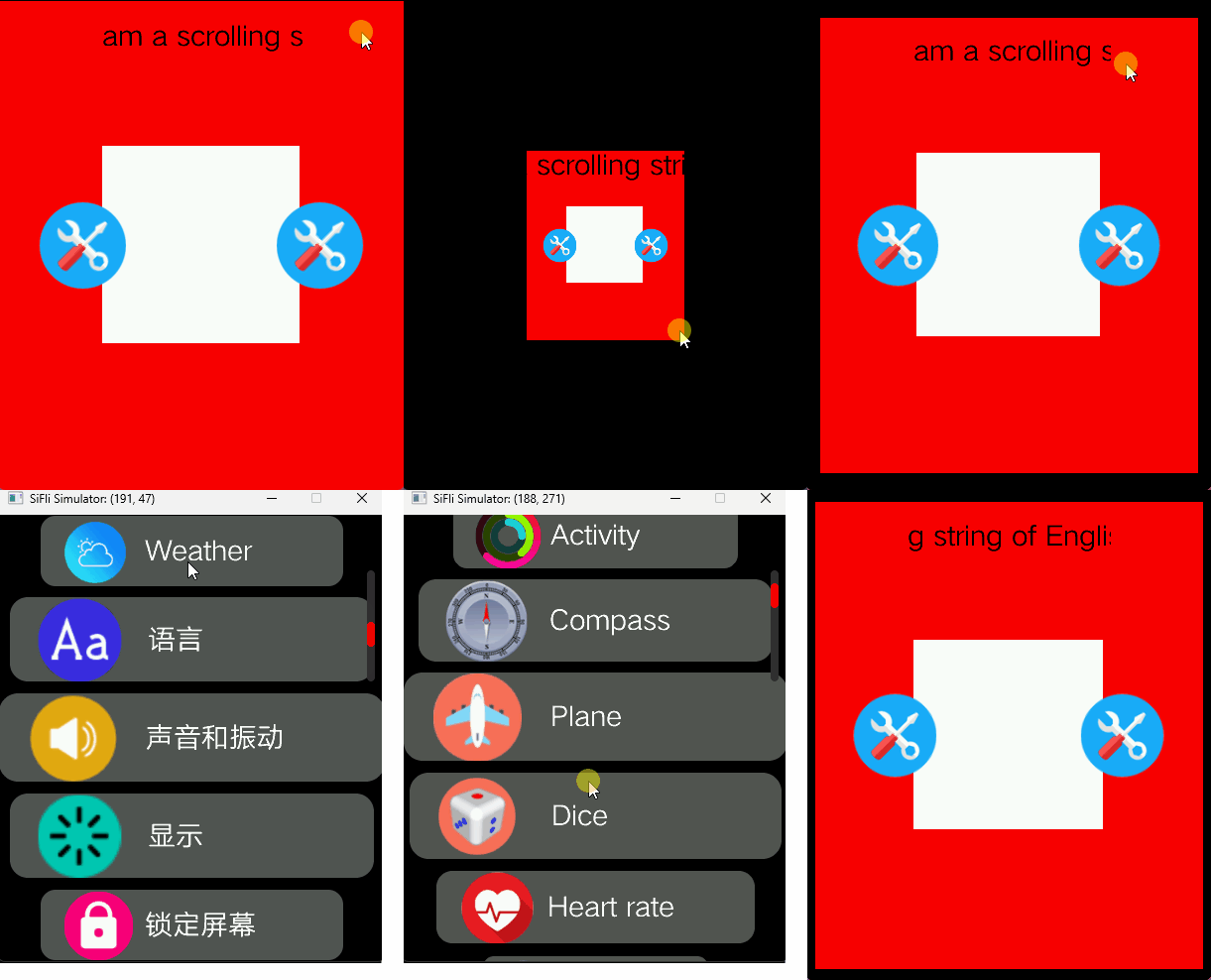
See Also
Header: middleware/lvgl/lvsf/gui_widgets/lvsf_multobj.h
Related widget:
lvsf_multlist(list container)